
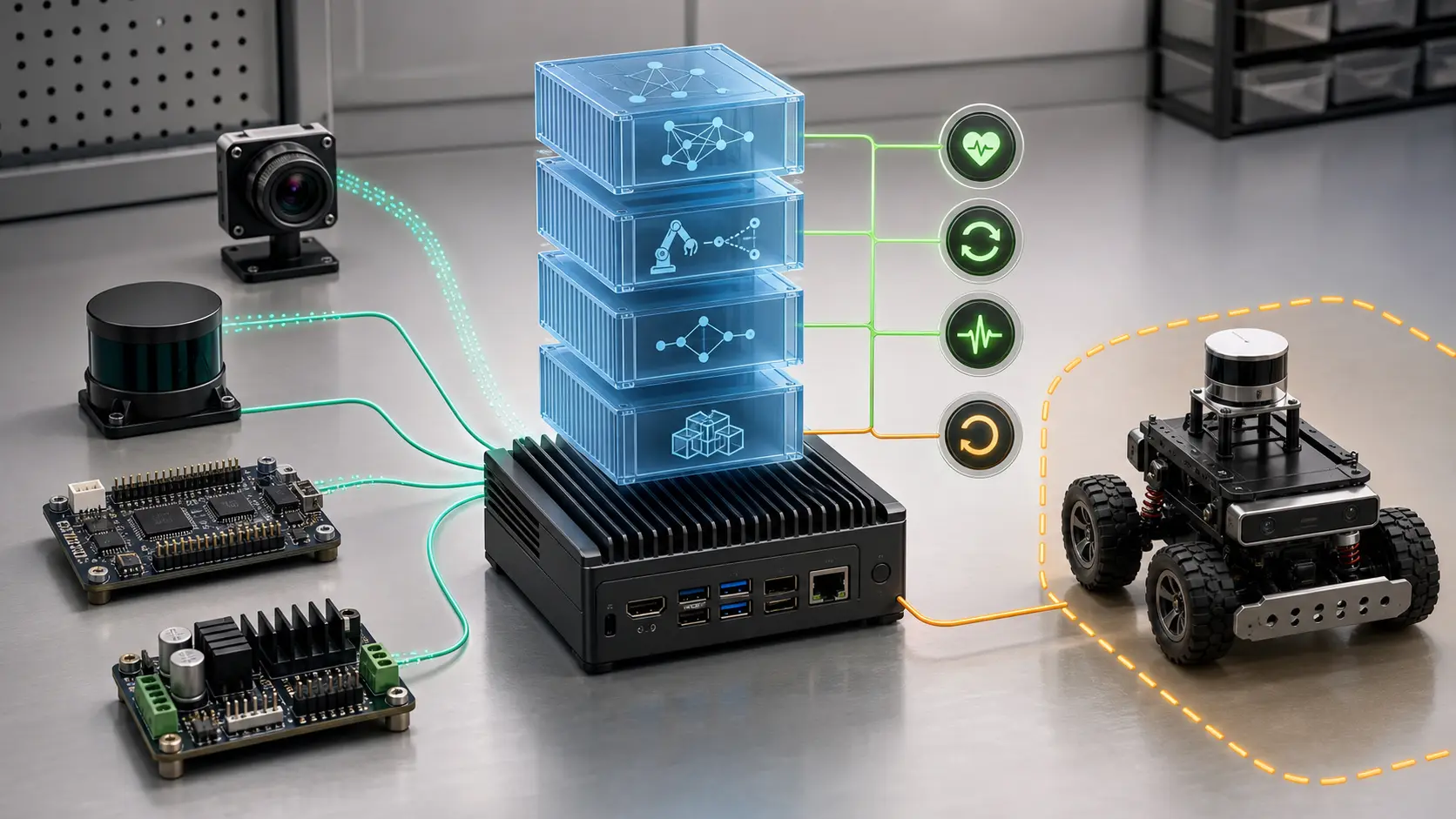
A Jetson container that starts cleanly is not necessarily production-ready.
It may see the GPU but not the right camera. It may publish ROS 2 topics but publish them too late. It may restart after a crash but lose the evidence needed to debug the crash. It may run a perception model at 30 FPS on the bench and then fail under thermal throttling, disk pressure, USB reconnection, DDS discovery delay, or a model update that changed memory behavior.
The practical question is:
What must be true before an edge AI container on a Jetson is allowed to influence a robot?
My answer is to treat each container as a reliability contract, not just a deployment unit. The contract should define hardware access, GPU/runtime compatibility, timing budgets, health probes, persistent evidence, update rules, rollback behavior, and the exact authority boundary between AI inference and robot motion.
This article extends the broader guidance in containerizing robotic systems, Jetson edge workload placement, Microcontroller vs Jetson control boundaries, AI robot command validation, sensor-to-actuator timing budgets, and ROS 2 logging and rosbag evidence. Here the focus is narrower: what a production container must prove before it becomes part of the robot’s fast path.
The reliability contract
Use this contract for every container that can affect perception, planning, command validation, local AI inference, diagnostics, or operator interaction.
| Contract field | What to define | Why it matters |
|---|---|---|
| Runtime baseline | JetPack, Jetson Linux, CUDA, TensorRT, NVIDIA Container Toolkit, image digest | prevents invisible GPU/runtime drift |
| Hardware access | exact devices, groups, udev rules, mounted sockets, readonly mounts | prevents accidental broad privilege |
| Workload authority | observe, propose, validate, command, log, or supervise | prevents AI services from inheriting motion authority |
| Timing budget | expected rate, max latency, max queue depth, stale-data rule | prevents “running” containers from publishing unusable outputs |
| Health probes | liveness, readiness, data freshness, hardware presence, model readiness | separates process health from robot readiness |
| Evidence path | logs, metrics, rosbags, container digest, model version, config hash | makes field failures reconstructable |
| Resource envelope | GPU memory, CPU load, RAM, disk, temperature, power mode | catches load and thermal failures before motion |
| Restart rule | restart policy, startup ordering, dependency recovery, safe state | prevents restart storms from looking like recovery |
| Update rule | staged rollout, pinning, validation test, rollback target | makes deployment reversible |
| Safety interaction | watchdog output, degraded mode trigger, command gate behavior | ensures the robot loses authority when evidence degrades |
If a container cannot answer these fields, it should not sit on the path between sensors and actuators.
Start with authority, not Docker syntax
The wrong first question is:
1 | How do I run this model in Docker on Jetson? |
The better first question is:
1 | What authority does this container have over the robot? |
A container that only renders a dashboard can fail open. A container that turns camera frames into obstacle detections cannot. A container that proposes a navigation goal is different from one that validates the goal. A container that owns a robot-facing action server is different again.
Use an authority ladder:
| Container role | Example | Failure rule |
|---|---|---|
| Observe | telemetry collector, dashboard exporter | lose visibility, do not change robot state |
| Infer | detector, segmenter, speech-to-text service | mark output stale, do not invent certainty |
| Propose | local LLM task parser, VLA proposal service | require validation before command |
| Validate | command gate, policy checker, workspace limiter | fail closed on missing evidence |
| Supervise | health monitor, degraded-mode controller | reduce authority when dependencies fail |
| Command | ROS 2 action boundary, local robot executor | must have watchdog and deterministic backstop |
Most Jetson AI containers should be in the observe, infer, or propose rows. Validation and command authority need stricter timing, logging, and fallback design. If a model container can indirectly move the robot, treat it as part of the robot safety architecture even if it is “just inference.”
Pin the host-runtime contract
Jetson container reliability starts outside the container.
NVIDIA’s current Jetson Orin Nano Docker setup guide frames Docker as a way to run reproducible AI, robotics, and CUDA-enabled software on Jetson, and it explicitly includes installing and configuring the NVIDIA Container Toolkit before testing GPU access: NVIDIA Jetson Docker Setup. The NVIDIA Container Toolkit documentation also makes the host runtime configuration explicit: nvidia-ctk runtime configure --runtime=docker updates Docker so it can use the NVIDIA runtime: Installing the NVIDIA Container Toolkit.
For production, write down the baseline as data:
1 | runtime_baseline: |
Do not rely on tags alone. A tag tells you what the team intended to run. A digest tells you what actually ran.
The same applies to model files, TensorRT engines, calibration files, launch files, and safety thresholds. If they can change behavior, hash them or version them.
Give containers the smallest useful hardware surface
The easiest Jetson demo is often a privileged container with broad device access.
That is also the pattern that hides boundary mistakes.
For production, define device access per service.
| Need | Typical access | Reliability concern |
|---|---|---|
| GPU inference | NVIDIA runtime or Compose GPU request | prove CUDA/TensorRT works after reboot and daemon reload |
| USB camera | /dev/video* or stable udev symlink | reject wrong camera, reconnect, frame format drift |
| Serial bridge | /dev/ttyUSB*, /dev/ttyACM*, or stable symlink | reject swapped ports and stale command channels |
| Audio | /dev/snd, PulseAudio or PipeWire socket | avoid blocking voice pipeline during device reconnect |
| GPIO | /dev/gpiochip* plus group permissions | avoid broad host privilege for simple I/O |
| ROS 2 shared memory | /dev/shm sizing and IPC choice | avoid hidden transport changes and dropped samples |
| Logs and evidence | mounted host directory | survive container replacement and power loss |
In Docker Compose, the gpus, devices, group_add, read_only, restart, and healthcheck fields are first-class controls, not cosmetic deployment settings. Docker documents gpus: all, service health checks, read-only filesystems, and restart policies in the Compose service reference: Docker Compose service reference.
A production Compose service should look more like a contract than a quick launch command:
1 | services: |
The exact fields will vary by stack. The principle should not: mount only what the service needs, make state explicit, and fail loudly when the expected hardware is not present.
Health checks must test robot readiness
A web health check asks whether the process can answer.
A robot health check has to ask whether the output is safe to consume.
Docker’s Dockerfile reference describes HEALTHCHECK as a way to test whether a container is still working, including cases where the process exists but is stuck: Dockerfile reference. That is useful, but robotics needs a stricter model.
Use three probes:
| Probe | Question | Example failure |
|---|---|---|
| Liveness | Is the process running and responsive? | inference server event loop is stuck |
| Readiness | Can the service produce valid output now? | model not loaded, camera missing, TensorRT engine failed |
| Safety eligibility | Is the output fresh enough for robot authority? | detector publishes stale frames or misses deadline |
For a perception container, “healthy” should not mean “HTTP 200.” It should mean something closer to:
1 | { |
If the health endpoint cannot report data age, queue depth, model version, hardware presence, and resource pressure, it is not a robot health endpoint. It is a process heartbeat.
Startup order is not readiness
Container dependency order is another common trap.
Docker Compose can express startup and shutdown ordering, and it can wait for a dependency marked service_healthy before starting another service: Control startup and shutdown order in Compose. That is useful, but it does not replace system-level readiness.
For Jetson robotics, a container may start before:
- the camera appears under the expected udev symlink,
- the GPU runtime is usable,
- the ROS 2 graph has discovered required peers,
- the calibration file matches the mounted camera,
- the model engine has warmed up,
- the microcontroller bridge is accepting commands,
- the evidence directory is writable,
- the device has reached a usable power and thermal state.
Do not let the first successful start define the steady-state contract. A robot that boots reliably once can still fail after USB reconnect, Docker daemon restart, clock drift, DDS rematching, or a hot model reload.
Tie health to ROS 2 lifecycle and command gates
ROS 2 managed lifecycle nodes are useful because they expose states such as unconfigured, inactive, active, and finalized, with transitions supervised externally. The ROS 2 lifecycle design document describes managed nodes as having a known interface and a known state machine that supervisory tools can reason about: ROS 2 managed nodes.
Use that idea even when the container itself is not a lifecycle node.
The container should not publish robot-critical output just because the process started. It should move through states:
1 | created |
Then connect those states to the command validation layer.
For example:
- perception degraded means the command validator rejects new autonomous motion,
- local LLM degraded means the system falls back to manual command templates,
- evidence path degraded means high-risk actions require operator review,
- GPU pressure degraded means lower-rate perception is allowed only in slow mode,
- microcontroller bridge degraded means robot-facing commands are withdrawn.
The container does not decide whether the robot may move. It reports evidence. The validator and supervisor decide authority.
Monitor the Jetson as part of the service
On Jetson, resource health is physical health.
GPU memory, RAM pressure, thermal state, disk pressure, CPU saturation, camera frame drops, and power modes can change robot behavior without changing application code. NVIDIA’s Jetson Linux development tools documentation includes tegrastats, which reports Jetson performance and utilization information from the device: Jetson Linux development tools.
Capture these signals with the same discipline as application logs:
| Signal | Why it matters | Failure action |
|---|---|---|
| GPU memory | model can fail or swap behavior can change | block model reload or downgrade pipeline |
| CPU load | callbacks and health checks can miss deadlines | reduce optional services |
| RAM and swap | latency becomes unpredictable under pressure | prevent new model start |
| Disk usage | rosbags and logs silently stop | rotate evidence or hold deployment |
| Temperature | throttling changes inference latency | reduce rate or enter slow mode |
| Frame drops | perception output becomes sparse | reject stale observations |
| ROS 2 topic age | downstream consumers see old truth | mark source ineligible |
| Restart count | service instability is masked by auto-restart | withdraw authority after threshold |
Do not bury this in a dashboard nobody checks. Feed it into health, evidence, and authority decisions.
Persistent evidence is part of reliability
If a robot fails in the field and the container restart deletes the trail, the system is not reliable. It is forgetful.
Every robot-facing container should write an evidence bundle on important transitions:
1 | event: |
At minimum, preserve:
- container image digest,
- model and engine version,
- config and launch hashes,
- device mapping,
- start and stop reason,
- health transitions,
- topic freshness and queue metrics,
- rejected commands,
- restart count,
- short rosbag or MCAP window around the event,
- host resource snapshot.
This is the difference between “the robot stopped” and “the robot withdrew perception authority because the detector output exceeded the 150 ms freshness budget after GPU memory pressure increased during model reload.”
Updates must have a rollback path
An edge AI update is not complete when the image is pulled.
It is complete when the device can prove the new image works under the robot’s reliability contract and can return to the previous working state if it fails.
Use a staged update gate:
| Gate | What to verify |
|---|---|
| Pull | image digest matches approved artifact |
| Cold start | service starts after reboot without manual setup |
| Hardware | expected devices are present and correctly mapped |
| GPU | CUDA/TensorRT path works with the deployed model |
| Warmup | model loads, first inference succeeds, memory stays inside envelope |
| ROS 2 | expected topics/services/actions appear with correct names and rates |
| Health | liveness, readiness, and safety eligibility pass |
| Evidence | logs, metrics, and event bundles are writable |
| Degradation | service withdraws authority when a dependency is removed |
| Rollback | previous image and model can be restored without losing evidence |
The rollback test matters. A rollback that has never been executed is a theory.
For small fleets, this can be a controlled script. For larger fleets, it belongs in the device management platform. Either way, the Jetson should retain enough local state to boot into a known-safe version when the network is unavailable.
Failure modes to test before field use
Do not only test the happy path. Test the boring failures that happen on real machines.
| Failure | Expected behavior |
|---|---|
| Camera unplugged at boot | perception stays ineligible; command validator rejects dependent autonomy |
| Camera reappears as a different device path | service rejects it unless stable identity matches |
| GPU runtime unavailable after daemon restart | model container fails readiness, not silent CPU fallback |
| Model file missing or wrong digest | container refuses to become active |
| Evidence volume full | high-risk actions are blocked or downgraded |
| Docker restart loop | supervisor withdraws robot authority after threshold |
| Inference latency doubles under heat | health marks output stale and enters reduced mode |
| ROS 2 discovery delay | dependent services wait for readiness, not process start |
| Microcontroller bridge unavailable | AI services may observe or propose, but cannot command |
| New image fails warmup | rollback starts before the robot enters autonomous mode |
The goal is not to make containers perfect. The goal is to make their failure visible, bounded, and reversible.
The field checklist
Before a Jetson edge AI container influences robot behavior, I would want the following checked into the project or release record:
- pinned host/runtime baseline,
- image digest and model digest,
- explicit device and volume map,
- no unnecessary privileged mode,
- read-only filesystem where practical,
- bounded writable directories,
- liveness, readiness, and safety eligibility probes,
- topic freshness and inference latency budgets,
- resource envelope for GPU, RAM, CPU, disk, temperature, and power mode,
- persistent evidence bundle on health transitions,
- restart threshold tied to authority withdrawal,
- startup dependency rules,
- degraded-mode behavior,
- rollback artifact and rollback test,
- failure drill results for missing hardware, stale output, full disk, GPU failure, and model mismatch.
That checklist is deliberately operational. The weak point in edge AI robotics is often not the model architecture. It is the space between “the container is running” and “the robot can safely trust what this container is producing.”
Treat that space as engineering surface area. Give it contracts, probes, evidence, and rollback. Then the Jetson container becomes more than a convenient packaging trick: it becomes a controlled part of the robot’s operating model.